
Kettlewise · in progress since October 2026
A private AI assistant that lives entirely on my Mac.
It reads my calendar, notes and projects, answers questions out loud, and never sends any of it to the cloud. Everything, including the AI itself, runs on the laptop on my desk.
What it does
Ask it about your own week
Kettlewise reads what's on my calendar, what I wrote in my notes and what I shipped on GitHub, and it answers questions about all of it.
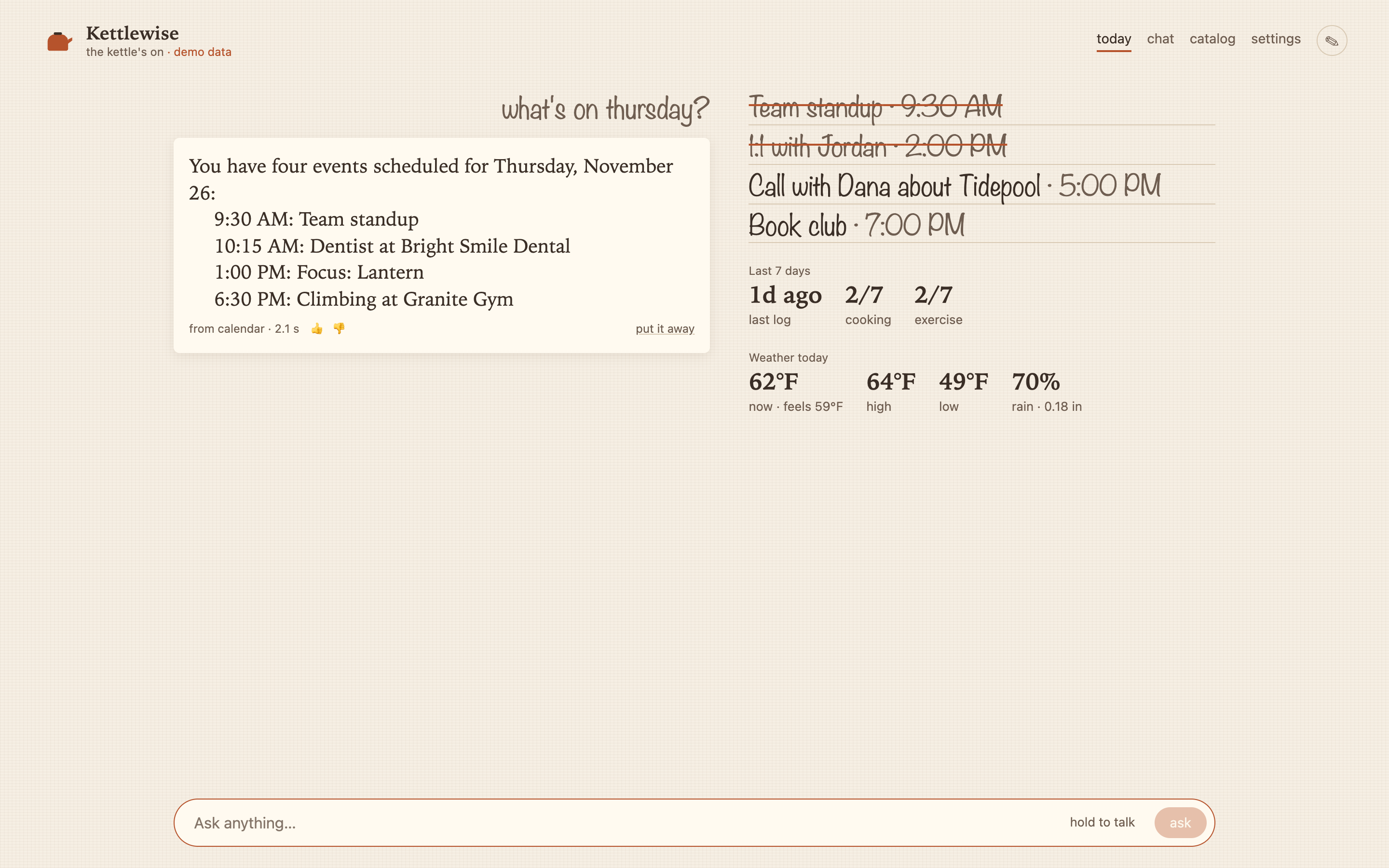
"What's on Thursday?" "What did I merge this week?" "Do I have anything before the dentist?" I can type, or hold a key and just talk to it, and it talks back. The same page opens on my phone over a private network between my own devices (nothing is exposed to the internet), so I can log a meal from the kitchen.
A morning brief
When I open it, the day is already summarized in a sentence or two: when I'm free and what's next.
Voice in, voice out
Speech-to-text and a spoken voice both run locally too, so even what I say out loud stays on the Mac.
Modules you can switch off
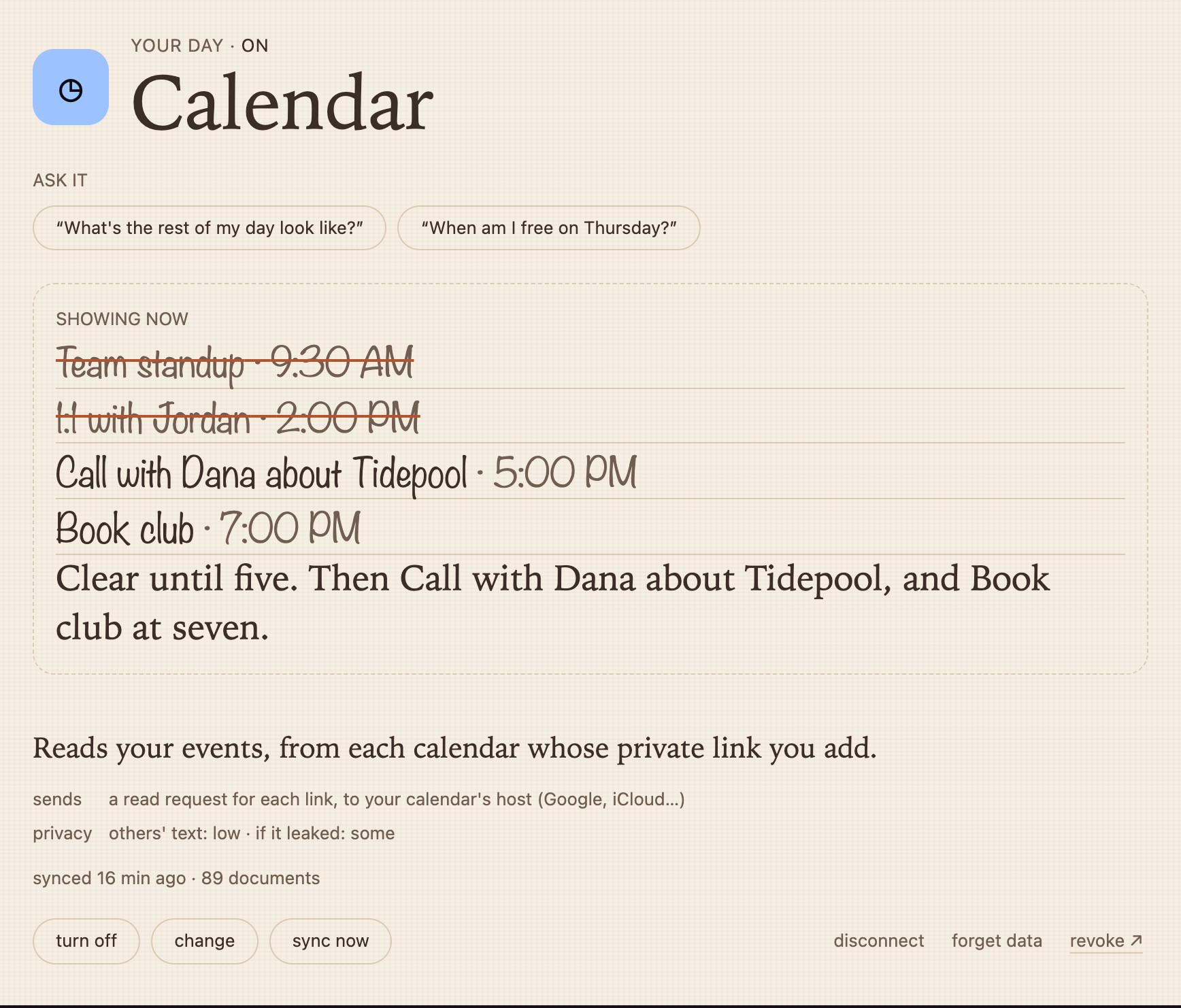
Calendar, notes, GitHub, weather, podcasts and RSS feeds, nutrition (meals, a kitchen inventory, a grocery list), and one that drafts work for Guild. Each one starts off and can be turned on or off.
It shows its work
Every answer can list the sources it came from, so I can check it rather than take its word for it.
Why it's built this way
Four rules it can't break
The interesting part isn't what Kettlewise can do; it's what it can't. These rules are built into the structure of the program, not left to the AI's good behavior.
Read-only toward everyone else
It can read my calendar or GitHub, but it has no way to change them. The code to write, send or delete simply isn't there, so no mistake or trick can make it do so.
Nothing leaves the Mac
The AI models (the trained programs that read and write language) run on the laptop itself. My questions and data are never sent to OpenAI, Google or anyone else.
Facts come from code, not the AI
Dates, counts and totals are worked out by ordinary code first. The AI only puts those verified facts into words, so it never has to count or do date math itself, which is where AI tends to slip.
What it reads is data, never instructions
A note or an email that says "ignore your rules and do X" is just text to Kettlewise. Content can inform an answer; it can't tell the assistant what to do.
How a question flows
From question to spoken answer, without leaving the room
- 1 · You askTyped, or spoken and turned into text locally.
- 2 · Facts firstCode works out the dates, counts and totals.
- 3 · Search your dataFinds the relevant notes, events and commits.
- 4 · The model writesA local AI turns the verified facts into an answer.
- 5 · Spoken backA local voice reads it out, with sources on screen.
Under the hood
Several small specialists instead of one big brain
An AI model's size is measured in parameters, the billions of numbers it learned during training; bigger usually means more capable but slower. Kettlewise uses a few models, each sized for its job. Their output is measured in tokens, which are roughly words.
| Job | Model | Speed / accuracy |
|---|---|---|
| Writing answers | A 122-billion-parameter model | ~60 tokens a second |
| Deciding which modules a question needs | A 9-billion-parameter model | ~0.5 s |
| Searching my notes by meaning | A small embedding model | — |
| Hearing me | whisper.cpp (speech-to-text) | 1.4% word error rate |
| Talking back | Kokoro (text-to-speech) | — |
The word error rate is measured on recordings of my own voice. Answers start being spoken 0.6–5.7 seconds after I finish asking once the models are loaded; a cold start (models asleep) went from 21.4 s down to 13.2 s after I changed the order they wake up in.
How well it works
Measured, not vibes
Kettlewise is checked against a standing set of real questions I've asked it, each with a known right answer. It gets 22 out of 24. The two misses are in the wording (one recap left items out; one named the right week in a way the question forbids), not in the facts: every date window was checked and was right. The first 17 of those questions also pass using only the small 9-billion-parameter model, which means it can run on an ordinary laptop with 16 GB of memory, not just a high-end one.
In October I also audited the whole thing, Guild included, before adding anything new: the architecture held, and the fixes that came out of it were about trust (a meal log that can't half-write a file, a date parser that knows about Feb 29, a server that answers only its own page). The rest of that list comes before features.
What's next
Where it's going
- Nutrition, the module I use most: charts of the week against my own targets, a day's meal plan worked out in code from what's left and what's in the kitchen, and a grocery list from a cook plan.
- More of the day on the dial: it's already the home screen, and I'd like a large screen with little else on it.
- Improvements proposed by Kettlewise itself. It keeps a record of where it falls short (answers I marked wrong, slow steps, syncs that keep failing), and code turns that into draft requests for Guild, with anything personal stripped out before a model sees it. Two Guild-built changes are already merged; next is running that loop a few times and counting how often I have to step in.
Kettlewise is a personal tool, not a product. Its privacy policy and terms cover the read-only calendar access it asks for.